1
How to sign in
1 min
- 1
Open the CRM URL (OutStack workspace).
- 2
Enter email and password.
- 3
Click “Sign in”.
- 4
If the contract isn’t signed yet — complete the on-screen steps first. Projects stay locked until then.
Result
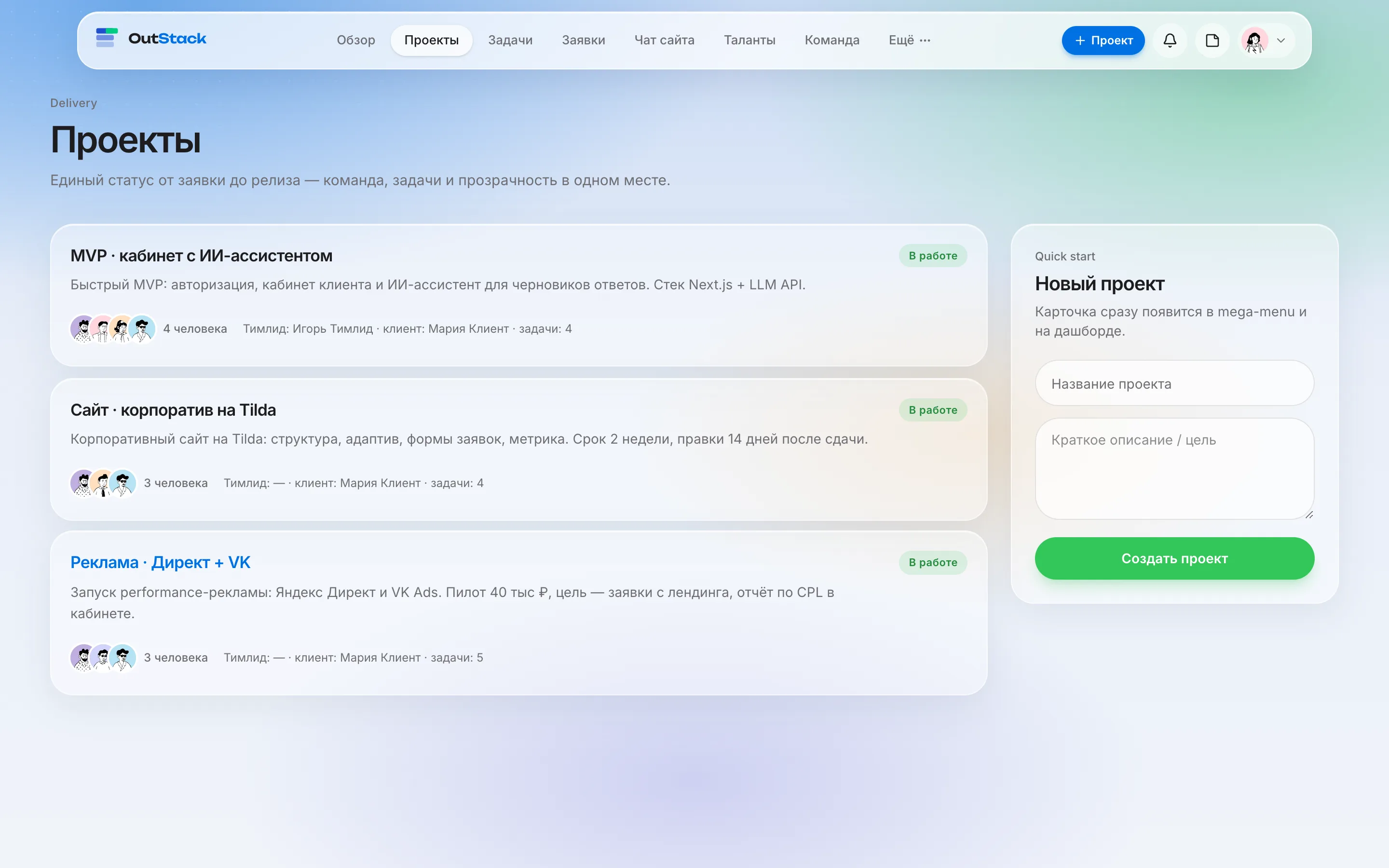
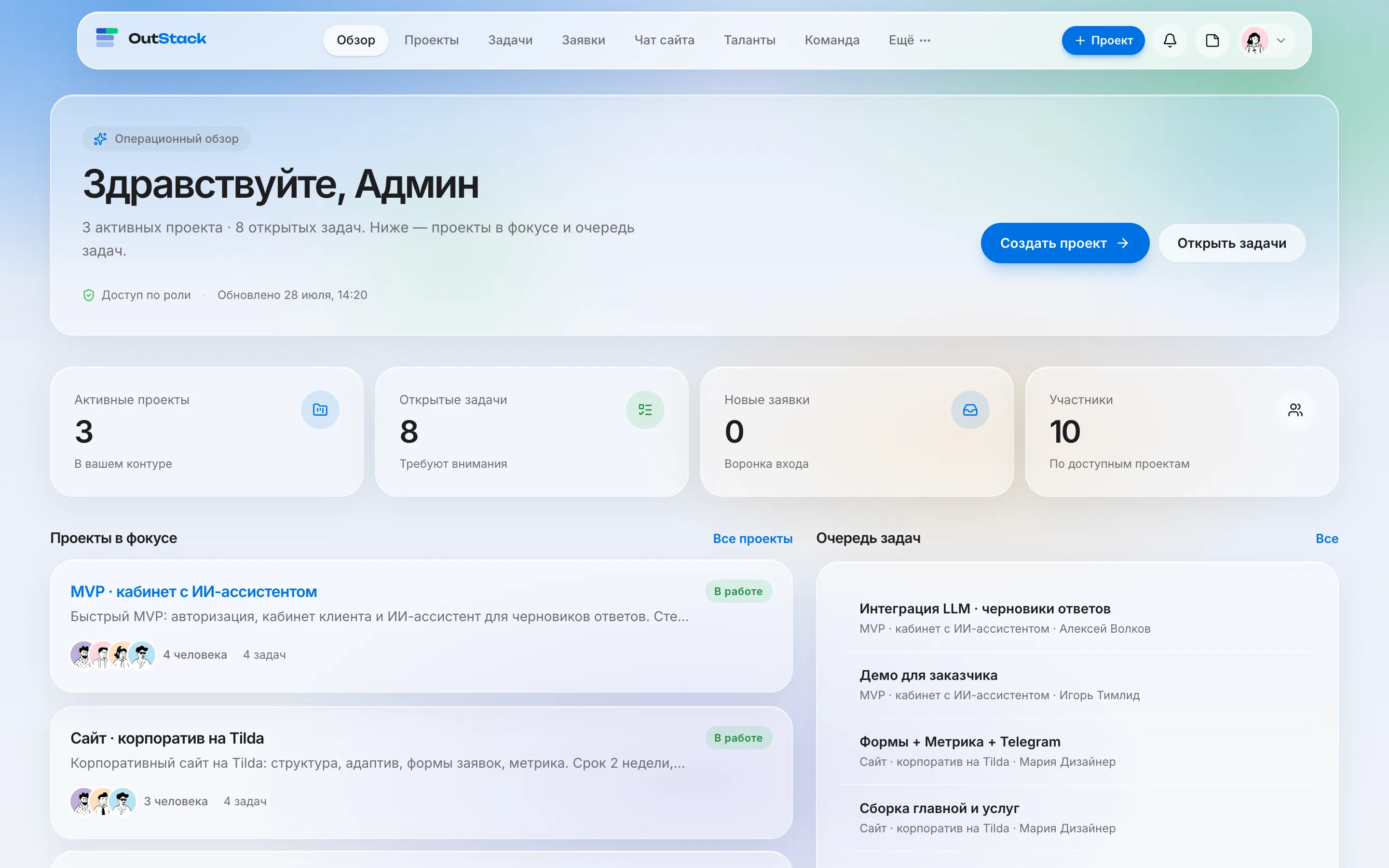
You’ll land on Overview — your home screen.